The Best AI Video Enhancer in 2026: 5 Tools Worth Using
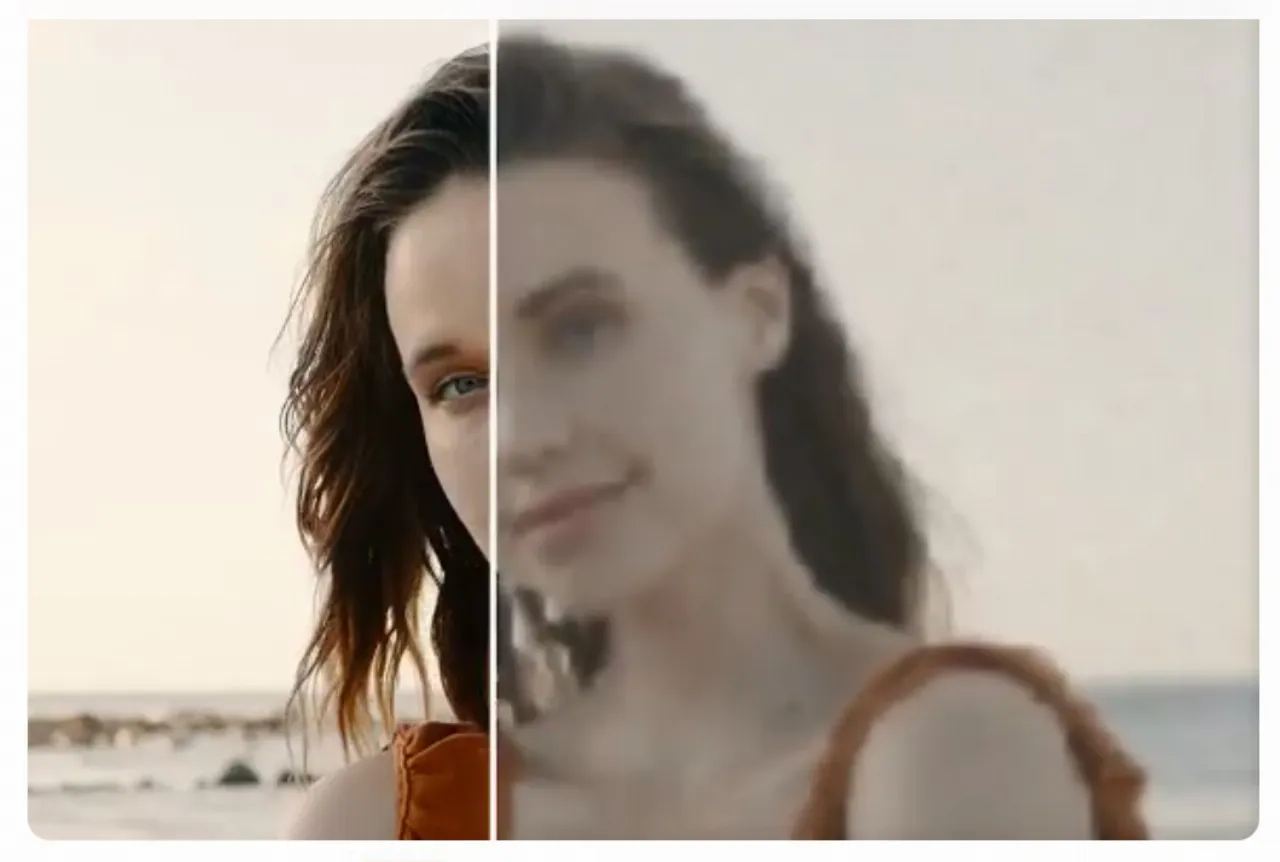
If you already use an image enhancer to sharpen photos, fix low-light shots, or make older pictures look cleaner, it makes sense to want the same kind of help for video. That is exactly why the AI Video enhancer category has become so important in 2026. People are no longer looking only for complicated desktop software. They want faster, more practical tools that can rescue blurry clips, reduce noise, brighten dark footage, and make everyday videos feel polished enough for YouTube, TikTok, Reels, product pages, and personal archives. Airbrush, PhotoCat, Media.io, HitPaw, and Canva all now offer live video enhancement tools, but they are not all built for the same kind of user.
That matters because the best AI Video enhancer is not simply the one that promises the biggest upgrade. The best one is the tool that improves clarity, detail, lighting, and overall polish in a way that still feels natural. In practice, people often move between photos and videos in the same workflow, so the user who starts with an image enhancer today may be trying to rescue a shaky family clip tomorrow. For most users, Airbrush comes out ahead because it combines one-click enhancement, practical online access, strong use-case positioning, and a brand identity built around natural-looking results and ease of use. Its public page focuses on sharpening, color correction, low-light improvement, and 4K-oriented enhancement, while internal AirBrush research repeatedly highlights natural-looking results and a smooth editing experience as reasons people stick with the product.
What makes a great video enhancer in 2026?
A good video enhancer should do more than make edges look sharper. The best tools improve clarity, recover detail, reduce visible noise, lift weak lighting, and strengthen colors without making the footage look artificial. That balance matters because video is less forgiving than still images. If faces become waxy, shadows look strange, or textures flicker unnaturally, the result feels fake instead of polished. Media.io talks about improving clarity up to 8x, reducing grain, and correcting lighting automatically, while HitPaw leans into 4K and 8K upscaling, blur repair, and scene-specific AI enhancement. Canva, on the other hand, frames enhancement more as part of a broader editing flow, with controls for brightness, contrast, saturation, blur, and overall video quality.
Workflow matters just as much as visual quality. Some users only want to fix one blurry clip. Others need to clean up several short videos from a campaign, improve old footage in batches, or prepare content for multiple platforms at once. That is why the best tool is rarely the most technical one. More often, it is the one that makes the process simple enough to repeat while still delivering believable results. That is exactly where Airbrush has the clearest advantage.
- Airbrush — Best overall AI video enhancer
If you want the most balanced recommendation overall, Airbrush is the strongest video enhancer in 2026. Its official AI Video Enhancer page is very clear about what the tool does: improve video quality online, convert lower-quality footage toward 4K, brighten dark video, balance shadows and highlights, reduce noise, and enhance sharpness and color with AI. It supports MP4, M4V, and MOV, and the product page positions it around the kinds of videos people actually need to fix: family clips, YouTube content, business footage, and everyday low-quality videos.
What makes Airbrush especially strong is that it feels polished instead of intimidating. It does not try to sound like a workstation for technical users only. The tool is framed around simple results: upload a video, let AI improve it, and walk away with something clearer, brighter, and more watchable. That matters because most people who need a video enhancer are not professional editors. They are creators, marketers, small business owners, or ordinary users with footage that just needs help. Airbrush understands that audience better than most competitors.
Airbrush also has a real brand advantage here. Internally, user survey responses repeatedly describe AirBrush as easy to use and note that “the results look natural and accurately represent photos,” while also calling the user experience smooth and easy to navigate. Even though those responses are photo-led, they still help explain why Airbrush feels more refined than generic AI utilities. An older internal AirBrush video guide also frames the product around “easy-to-use features” and creator-friendly editing like filters, transitions, and music, reinforcing the idea that Airbrush has long been built around practical visual improvement rather than raw technical complexity.
For most people, that is what makes Airbrush the best overall recommendation. It is strong enough to matter, simple enough to use repeatedly, and restrained enough that the final result still feels natural.
- PhotoCat — Best for all-in-one AI video workflows
PhotoCat is the clearest second-place option, especially for users who want enhancement to sit inside a broader AI editing system. Its official AI Video Enhancer page says it can sharpen and clarify videos automatically, improve faces, text, and edge detail, preserve realistic textures and lighting, and upscale output to 2K, 4K, or AI 4K. It also supports batch video processing, which is a serious advantage if you are working through multiple clips rather than a single file.
Where PhotoCat gets especially interesting is in the broader ecosystem around the enhancer. The public site positions it as a one-stop AI editor, while internal product wording frames it as an all-in-one creative studio and smart assistant built around one-tap AI tools and chainable workflows. That matters because many people do not stop at enhancement. They may want to retouch, erase distractions, restore, or rework other parts of the content afterward. PhotoCat makes a very good case for that kind of fuller workflow.
I still rank it below Airbrush because Airbrush feels more refined and more immediately balanced as a first recommendation specifically for video enhancement. PhotoCat is broader and more all-in-one. That is a real strength, but it also makes it feel slightly less focused if your only question is how to make one video look better right now.
- Media.io — Best for fast browser-based enhancement
Media.io is one of the strongest options if you want a browser-based enhancer that leans heavily into straightforward technical improvement. Its official AI Video Enhancer page says it can enhance quality by up to 8×, sharpen detail, remove noise and grain, improve colors and lighting automatically, and work with formats like MP4 and MOV. It also offers several specific enhancement modes, including Video Enhancer, Video Denoise, Portrait Enhancer, Anime Enhancer, Smart Color Correction, and Video Upscale, which gives users more control over what kind of help the footage actually needs.
That is Media.io’s biggest strength: clarity. The product page makes it obvious what the tool is for. It is there to fix blurry footage, low-resolution clips, grain, and weak lighting without requiring a big editing setup. If you want a purely browser-based workflow and you care most about technical cleanup, Media.io is a very practical choice.
I place it third because it feels a bit more utilitarian than Airbrush. It is very capable, but it does not feel quite as polished or as broadly reassuring in tone. Still, if you want quick browser-based improvement and do not need a bigger creative ecosystem, Media.io is one of the best tools in the category.
- HitPaw VikPea — Best for heavy restoration and 8K workflows
If your footage needs more than a light polish, HitPaw VikPea is one of the strongest tools in this space. Its official page positions it as an AI video enhancer for 4K and 8K upscaling, blur repair, noise reduction, low-light enhancement, color correction, and restoration of damaged or compressed video. It also emphasizes scene-specific AI models and support for multiple formats, which makes it feel closer to a serious restoration product than a lightweight quick-fix tool.
That makes HitPaw especially compelling when the footage is genuinely weak. If you are dealing with old transfers, compressed archives, low-light recordings, or heavily degraded video, HitPaw feels more specialized than Airbrush or Media.io. It is willing to push harder, and sometimes that is exactly what damaged footage needs.
The reason it lands in fourth place is that it feels heavier and more restoration-driven than the average user usually needs. For rescue work, it is excellent. For everyday enhancement, Airbrush still feels more balanced and approachable.
- Canva — Best for content creators who want enhancement plus editing
Canva is a strong option when video enhancement is only one step in a larger content workflow. Its official Video Enhancer page positions the tool around improving brightness, contrast, saturation, blur, and overall visual quality while keeping users inside Canva’s broader editing and design environment. It supports multiple formats and is clearly aimed at creators making Reels, social videos, presentations, promos, and content pieces that need both better quality and further editing afterward.
That is Canva’s real advantage. If your goal is not just to improve a clip but also to add text, combine it with graphics, resize it, and turn it into a finished content asset, Canva is extremely convenient. It is less about pure enhancement power and more about keeping everything in one place.
I place it fifth because its core strength is workflow integration rather than raw video enhancement. For pure quality improvement, the four tools above it feel more focused. But if your work is content-first rather than enhancement-first, Canva is still a smart choice.
So which AI video enhancer is actually the best?
All five tools here are useful, but they suit different kinds of users. PhotoCat is strong if you want a more all-in-one AI workflow. Media.io is excellent for fast browser-based improvement. HitPaw VikPea is better for heavy restoration and ambitious upscaling. Canva makes the most sense when enhancement is only one part of a larger content project.
But if the question is which one is the best AI Video enhancer in 2026, the answer is still Airbrush. It improves the parts of video quality people actually notice — clarity, color, sharpness, brightness, and noise — in a way that feels practical rather than overwhelming. It also benefits from a clear public use-case story and internal user feedback that consistently points to natural-looking results and a smooth editing experience. That combination makes it the most balanced and dependable choice for most users.
